
Screenshots Website Monitoring Tool
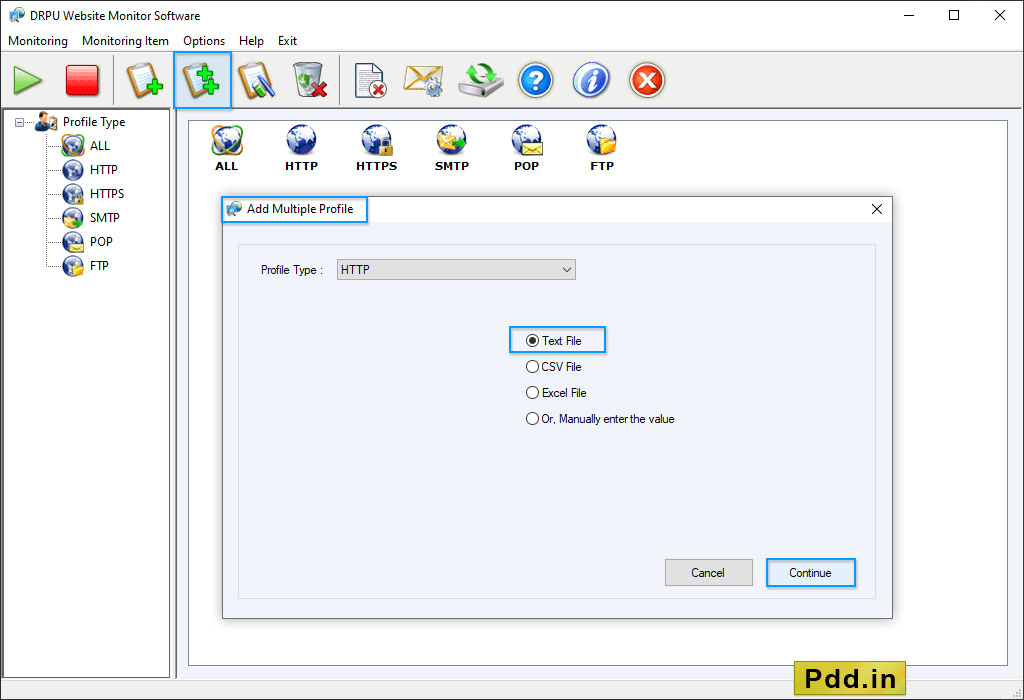
Click on “All” option from left panel to view all monitoring details of profiles.
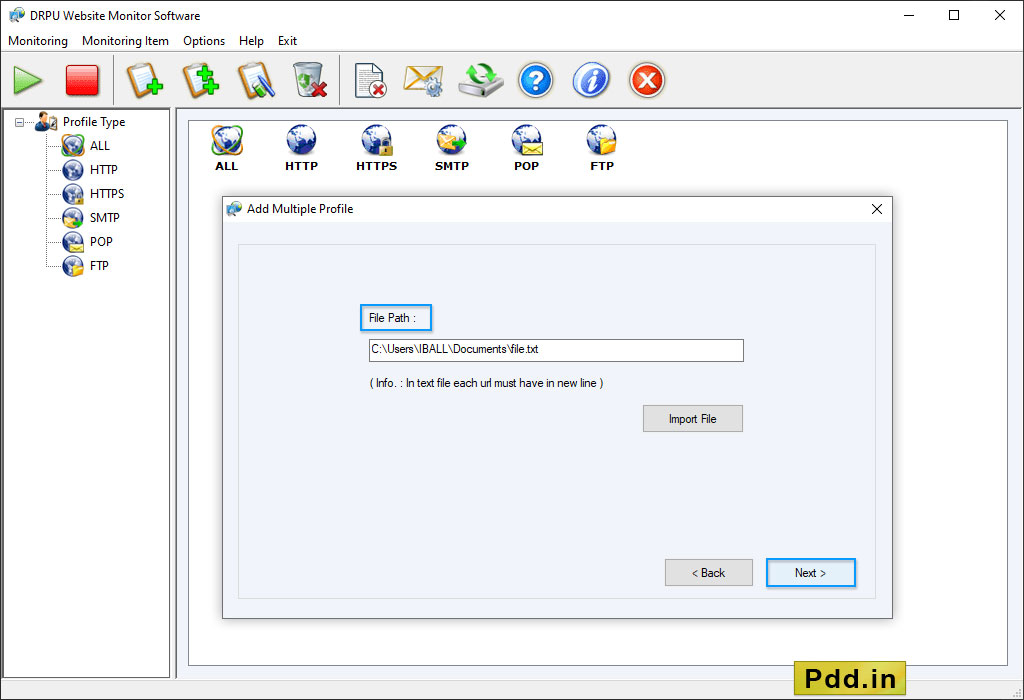
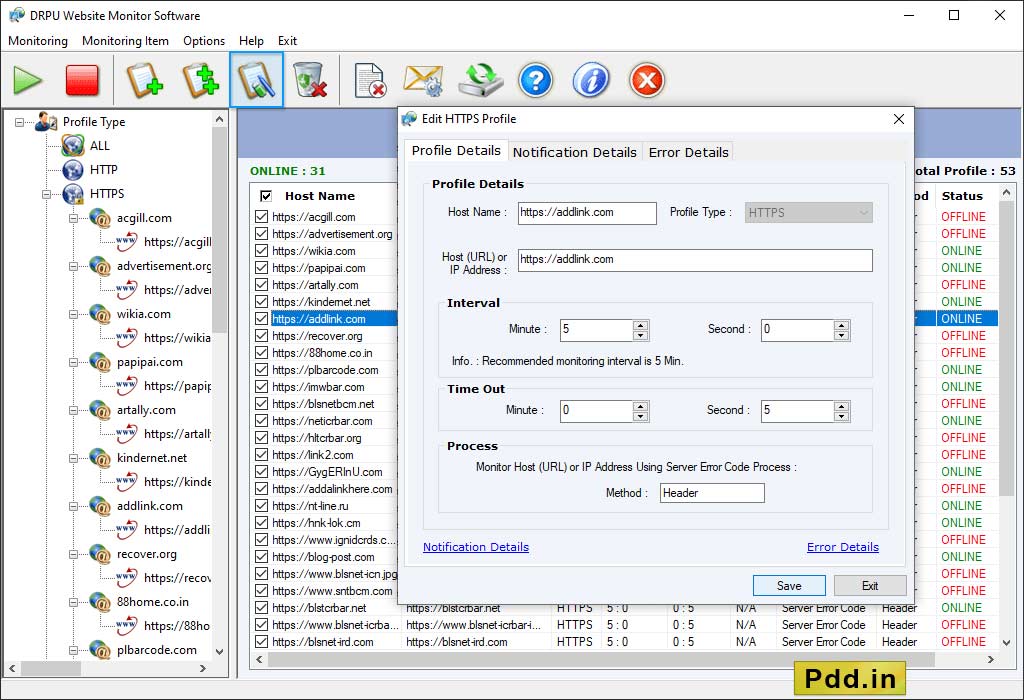
Click on “Add Profile” to add new profile.
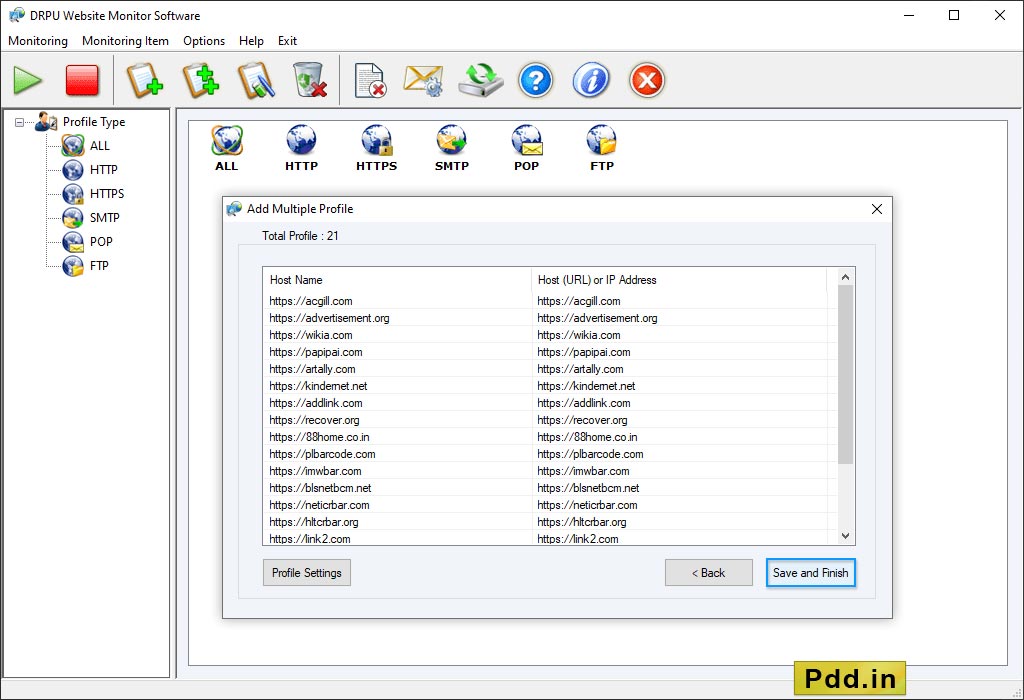
Here, wizard shows 'All Profile Minitoring View'.
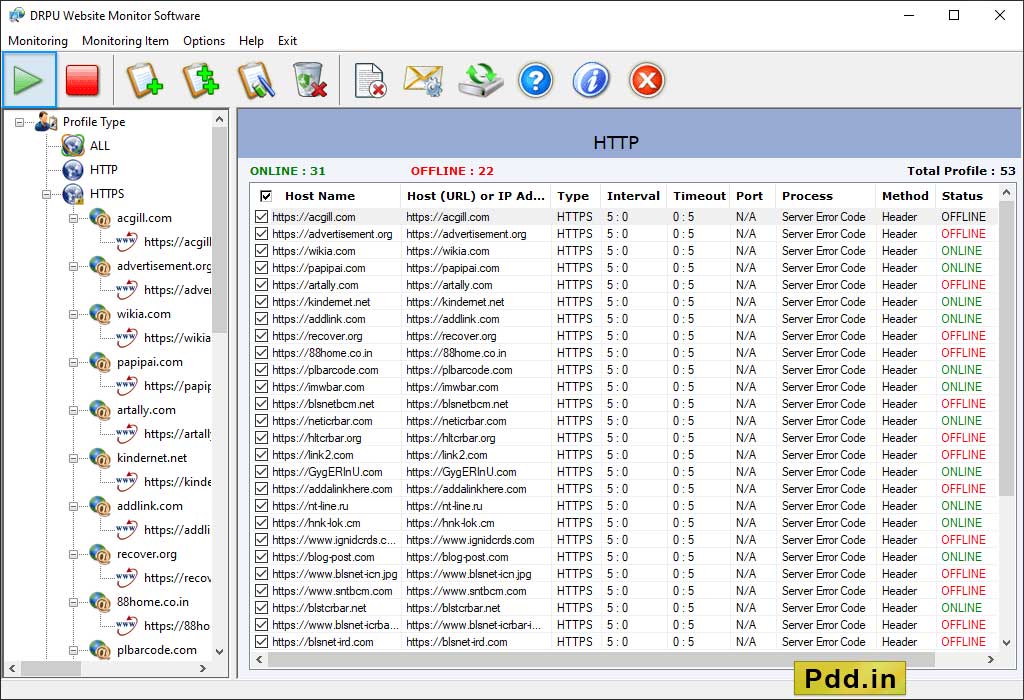
If you want to add more profile then click 'Add Profile' option.
Select 'Profile Type' then choose any one option among 'All Error Log Records of Selected Profile Type' or 'Error Log Records between selected duration for Selected Profile Type'. Click 'Display Report' button to view log record.
You may also like our other software ❯❯
- Windows Data Recovery Software
- USB Drive Data Recovery Software
- Removable Media Data Recovery Software
- Digital Pictures Recovery Software
- FAT Data Recovery Software
- Memory Card Data Recovery Software
- Sim Card Data Recovery Software
- NTFS Data Recovery Software
- Digital Camera Data Recovery Software
- MSSQL to MySQL Database Converter
- MySQL to MSSQL Database Converter
- MS Access to MySQL Database Converter
- Bulk SMS - Mobile Text Messaging Software