
Screenshots NTFS Data Recovery Software
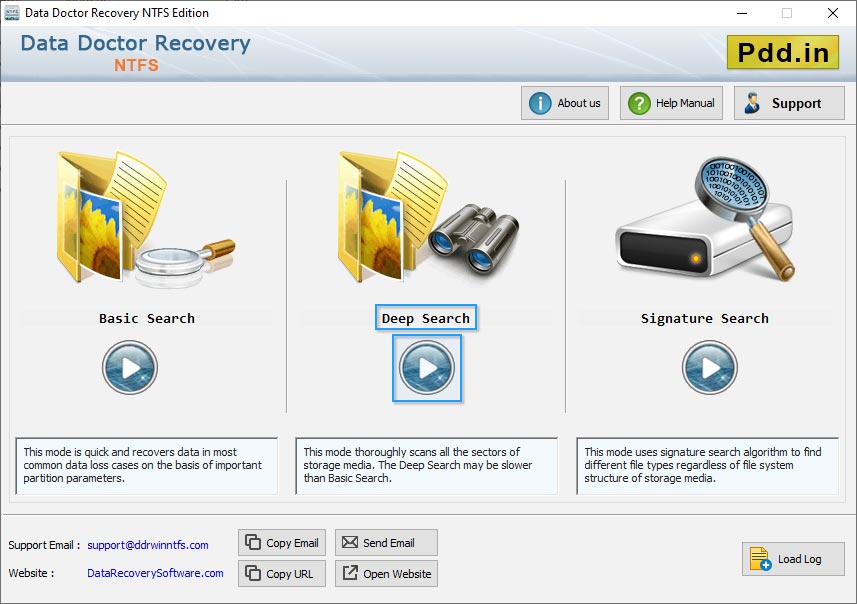
Choose any one recovery mode to search and recover lost data files and folders.
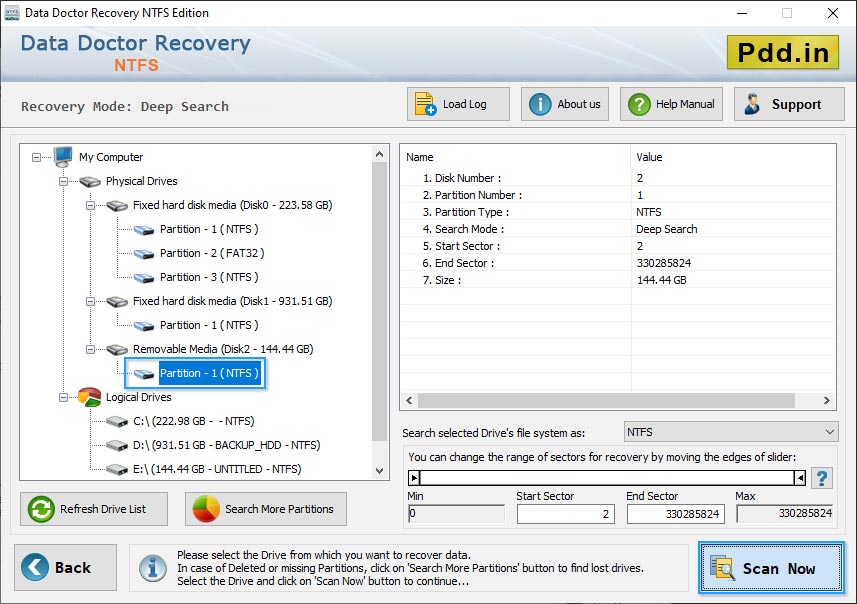
Select Logical Drive from left panel and then click on 'Next' button to continue.
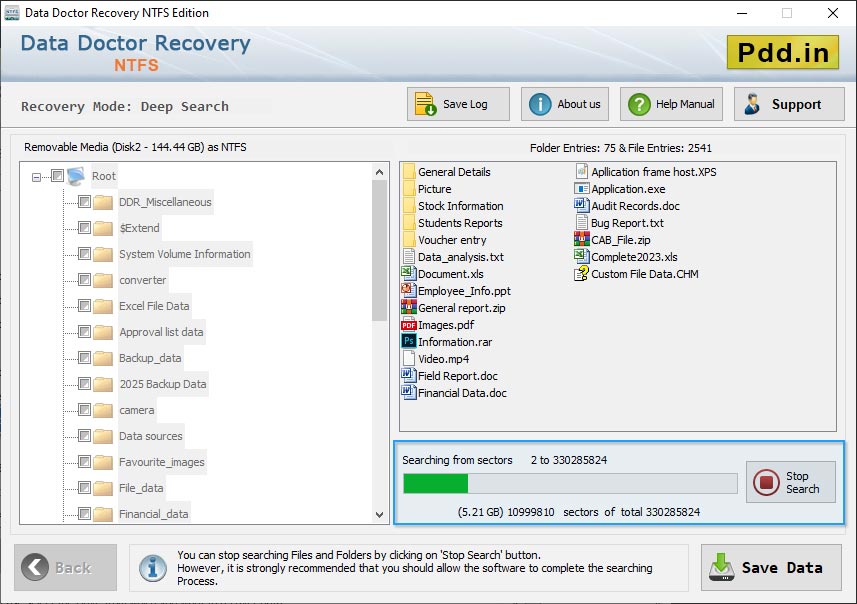
Wizard shows process bar to view running status of disk scanning process.
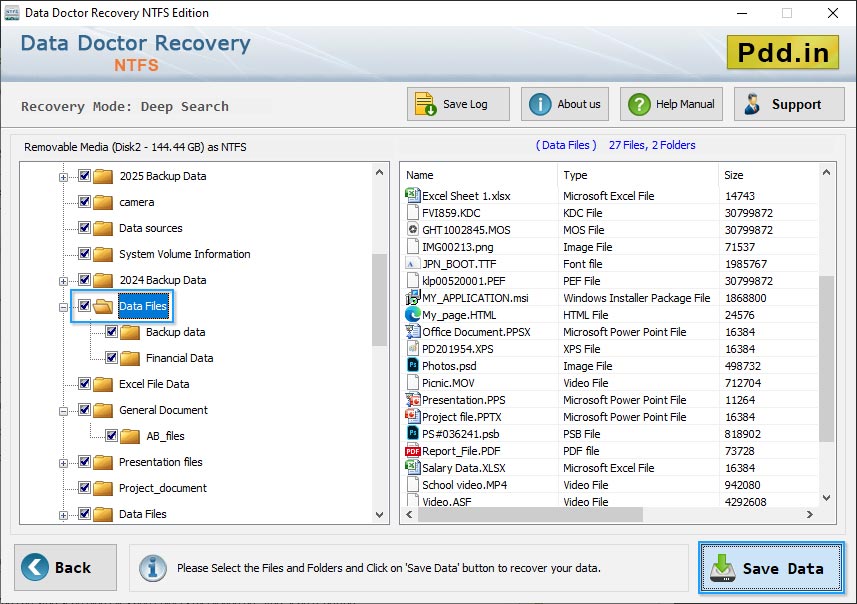
Scan result is shown in tree structure and you can also view selected folder details at right side.
You may also like our other software ❯❯
- Windows Data Recovery Software
- USB Drive Data Recovery Software
- Removable Media Data Recovery Software
- Digital Pictures Recovery Software
- FAT Data Recovery Software
- Memory Card Data Recovery Software
- Sim Card Data Recovery Software
- NTFS Data Recovery Software
- Digital Camera Data Recovery Software
- MSSQL to MySQL Database Converter
- MySQL to MSSQL Database Converter
- MS Access to MySQL Database Converter
- Bulk SMS - Mobile Text Messaging Software