
Screenshots Bulk SMS - Mobile Text Messaging Software
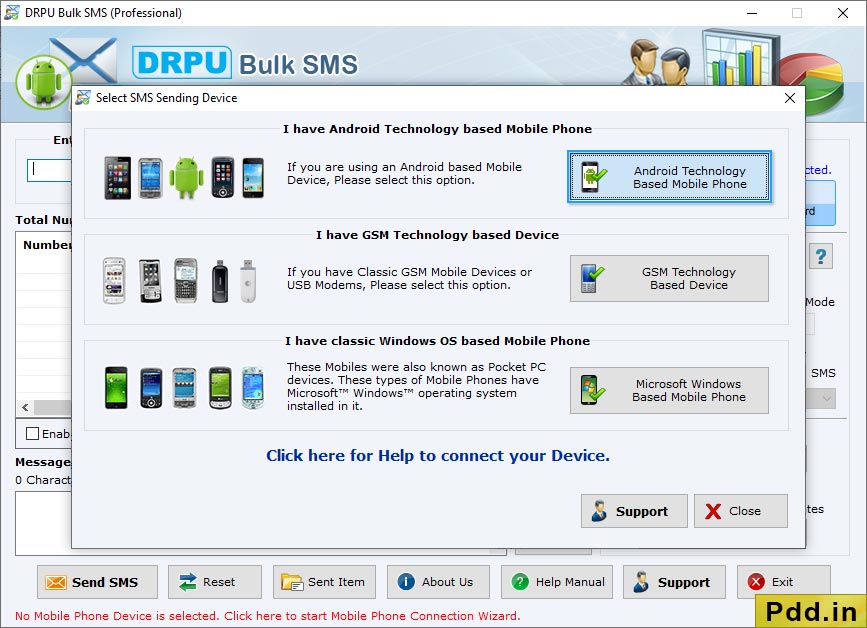
Choose your mobile device type (GSM, Android, or Windows) to send bulk text messages.
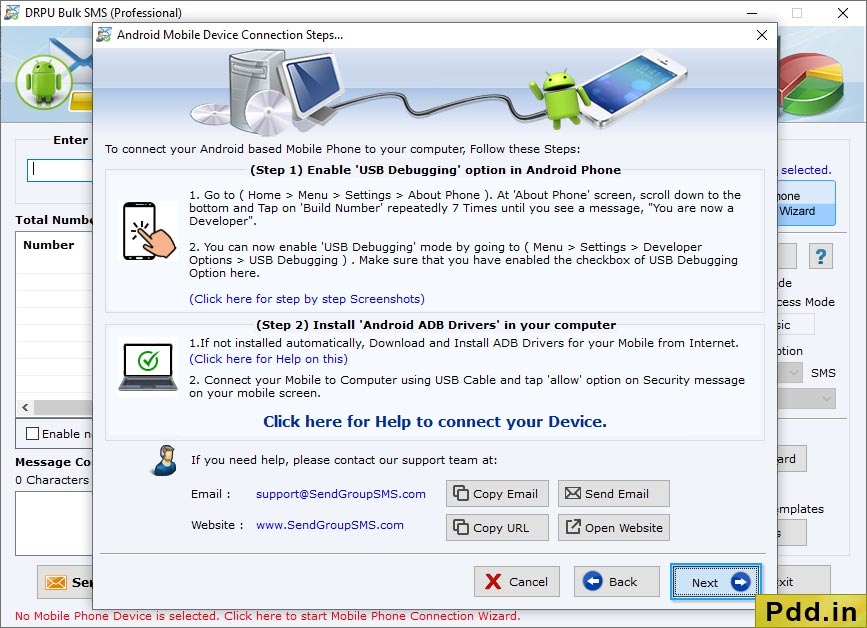
Select com port from connected device list. Click on ‘Use Selected Device to send SMS’ button to proceed.
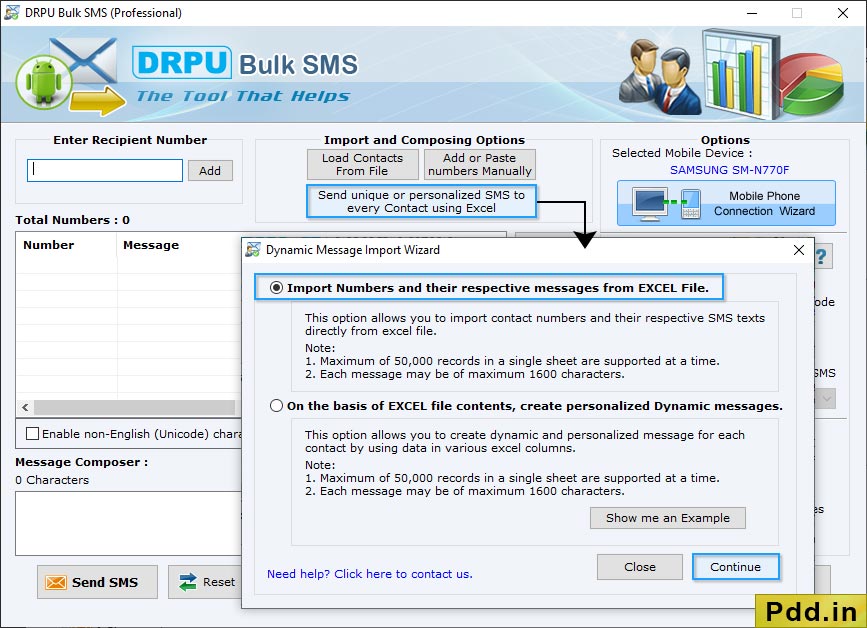
To send personalized SMS to every contact using excel file, click "Send unique or personalized SMS to every Contact using Excel" then choose any one option among "Import Numbers and their respective messages from Excel File" and "On the basis of Excel file contents, create personalized Dynamic messages".
Select scanning path file to recoved data lost data files.
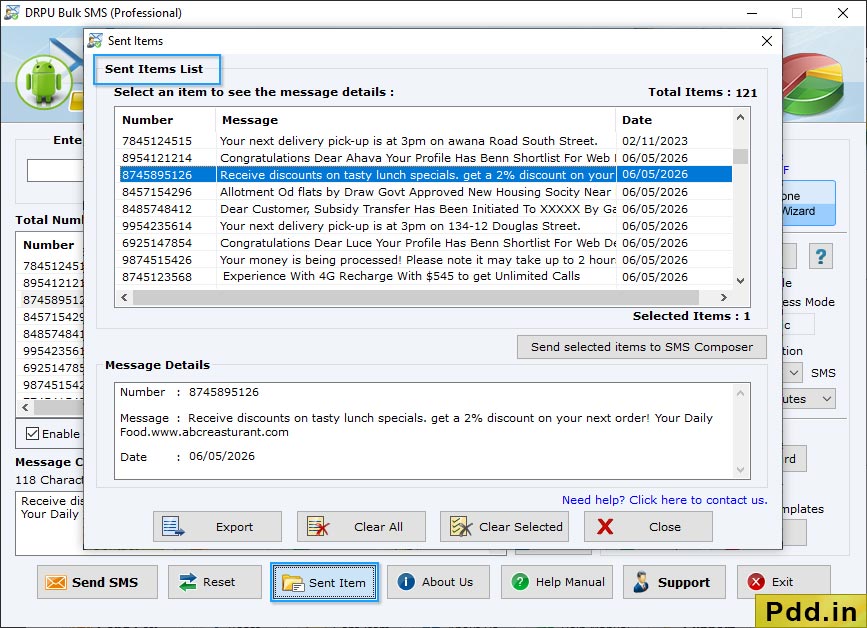
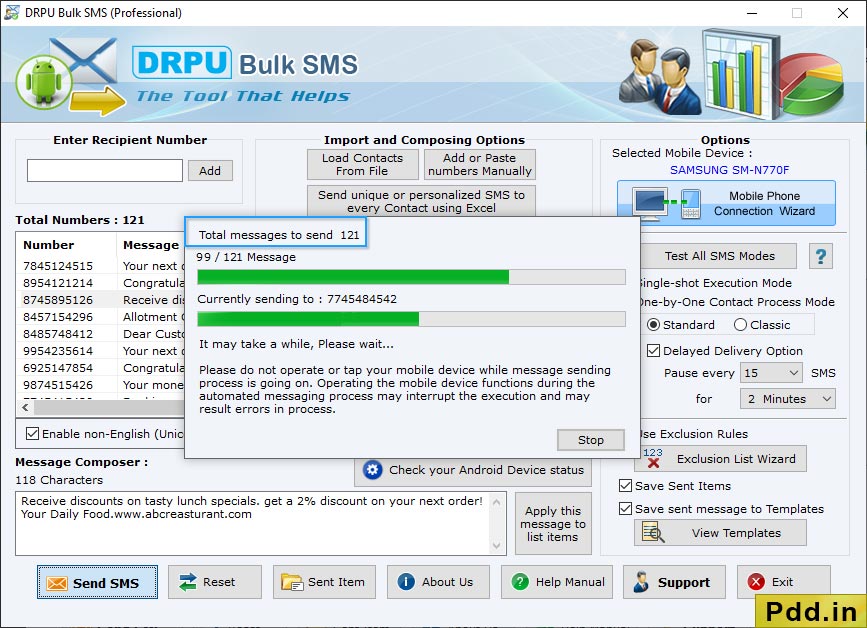
Messages sending process is in progress. Progress bar displays the current running status of SMS sending process.
You may also like our other software ❯❯
- Windows Data Recovery Software
- USB Drive Data Recovery Software
- Removable Media Data Recovery Software
- Digital Pictures Recovery Software
- FAT Data Recovery Software
- Memory Card Data Recovery Software
- Sim Card Data Recovery Software
- NTFS Data Recovery Software
- Digital Camera Data Recovery Software
- MSSQL to MySQL Database Converter
- MySQL to MSSQL Database Converter
- MS Access to MySQL Database Converter
- Bulk SMS - Mobile Text Messaging Software